
Account settings and appearance
Profile, theme, language, password and signing out.
Settings has an account part and a part for the selected store. Each section saves separately.
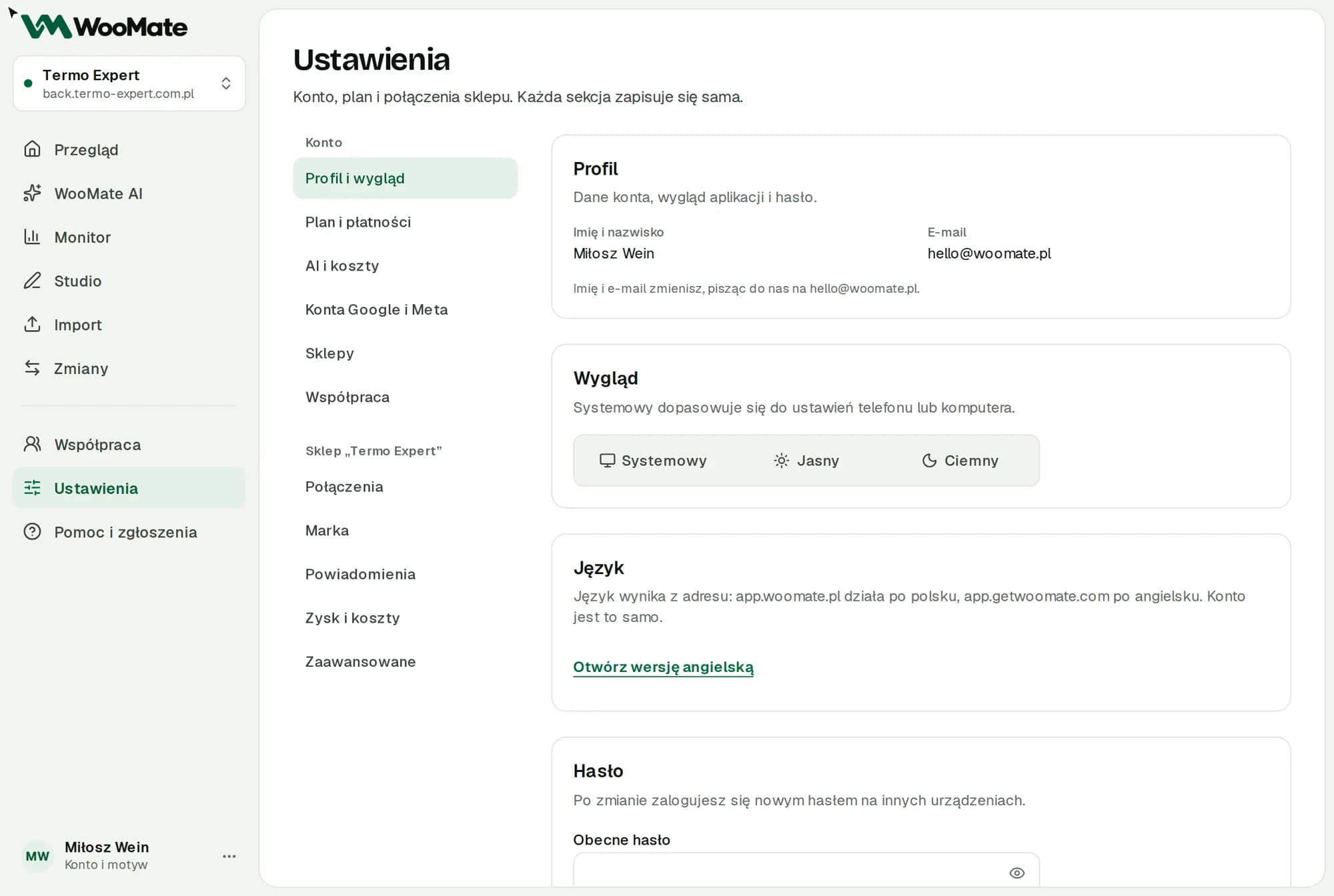
Account sections
- Profile and appearance
- Plan and billing
- AI and costs
- Google and Meta accounts
- Stores
The store part has the Connections, Brand, Notifications, Profit and costs and Advanced sections. They apply to the store selected in the top bar.
Profile and appearance
- To change your name or email, write to hello@getwoomate.com.
- Appearance: system, light or dark.
- Language follows the address: app.getwoomate.com is in English, app.woomate.pl in Polish. It's the same account.
Changing your password
- Enter your Current password.
- Type a New password and Repeat new password.
- Click Change password.
The new password must have at least 8 characters and differ from the current one. After the change you'll see a message, and shortly afterwards the app signs you out on this device too. Sign in with your new password. Other devices are signed out within about a minute.
After 10 failed attempts within 15 minutes, you'll see "Too many attempts. Try again in 15 minutes."
Don't remember your current password? Sign out and use Forgot password? on the sign-in screen. Resetting your password also signs you out on all devices.
Sign out ends the session on this device.
Related articles
Can't find the answer? Write to hello@getwoomate.com or request free onboarding help.