
Graphics
How to create, edit and publish product graphics in Studio.
This tool creates graphics in your brand colors. Every edit is a new version, and the original stays.
What you need first
- A connected store.
- A Gemini or OpenAI key.
- A completed Brand Kit: logo, colors and style.
Create a graphic
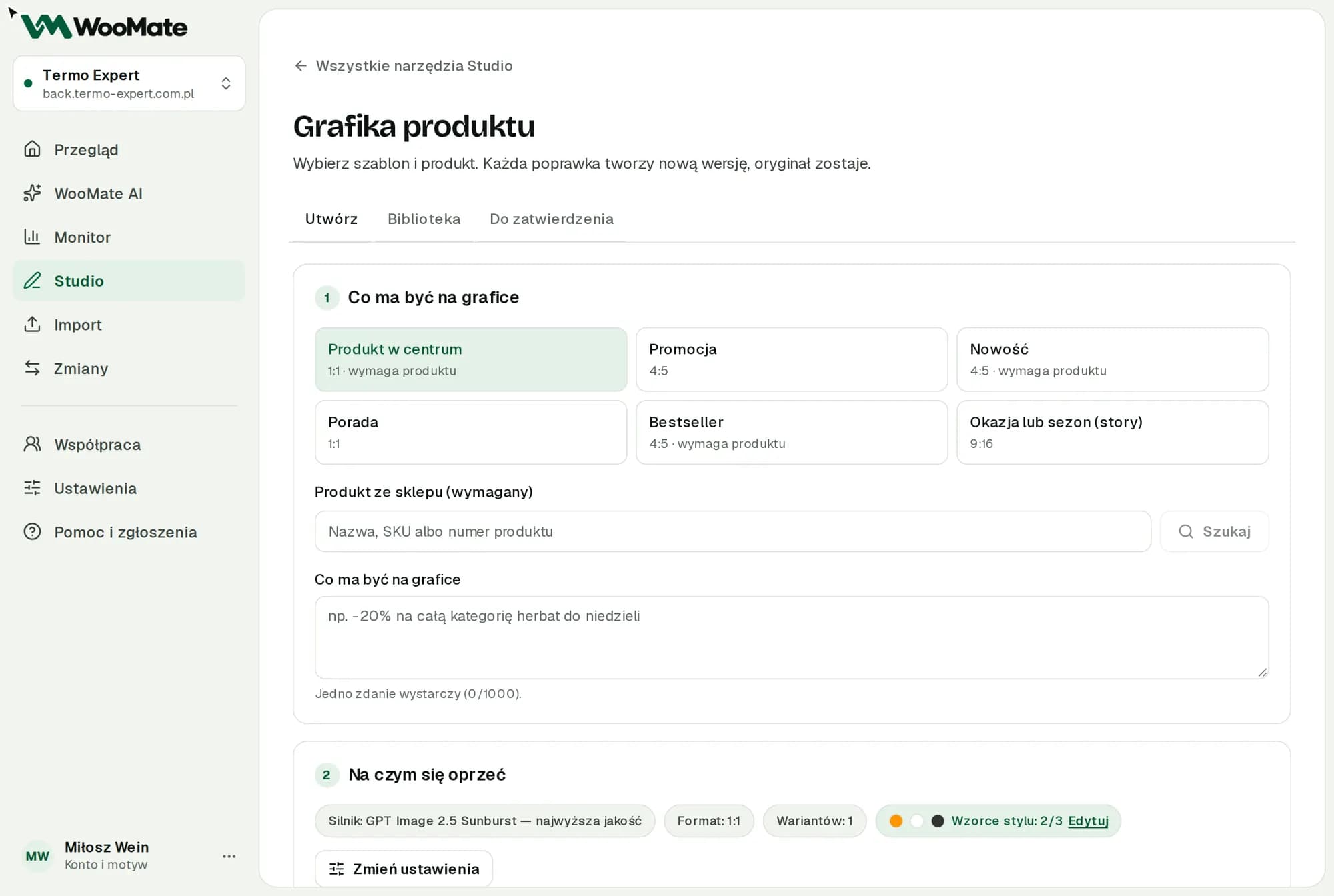
- Choose a Template: Product spotlight, Promotion, New arrival, Tip, Bestseller or Season or occasion (story).
- Pick a product if the template needs one.
- In What the image should say, write one sentence (up to 1,000 characters).
- Under Change settings, set Image engine, Image model, Format and Number of variants (1 or 2).
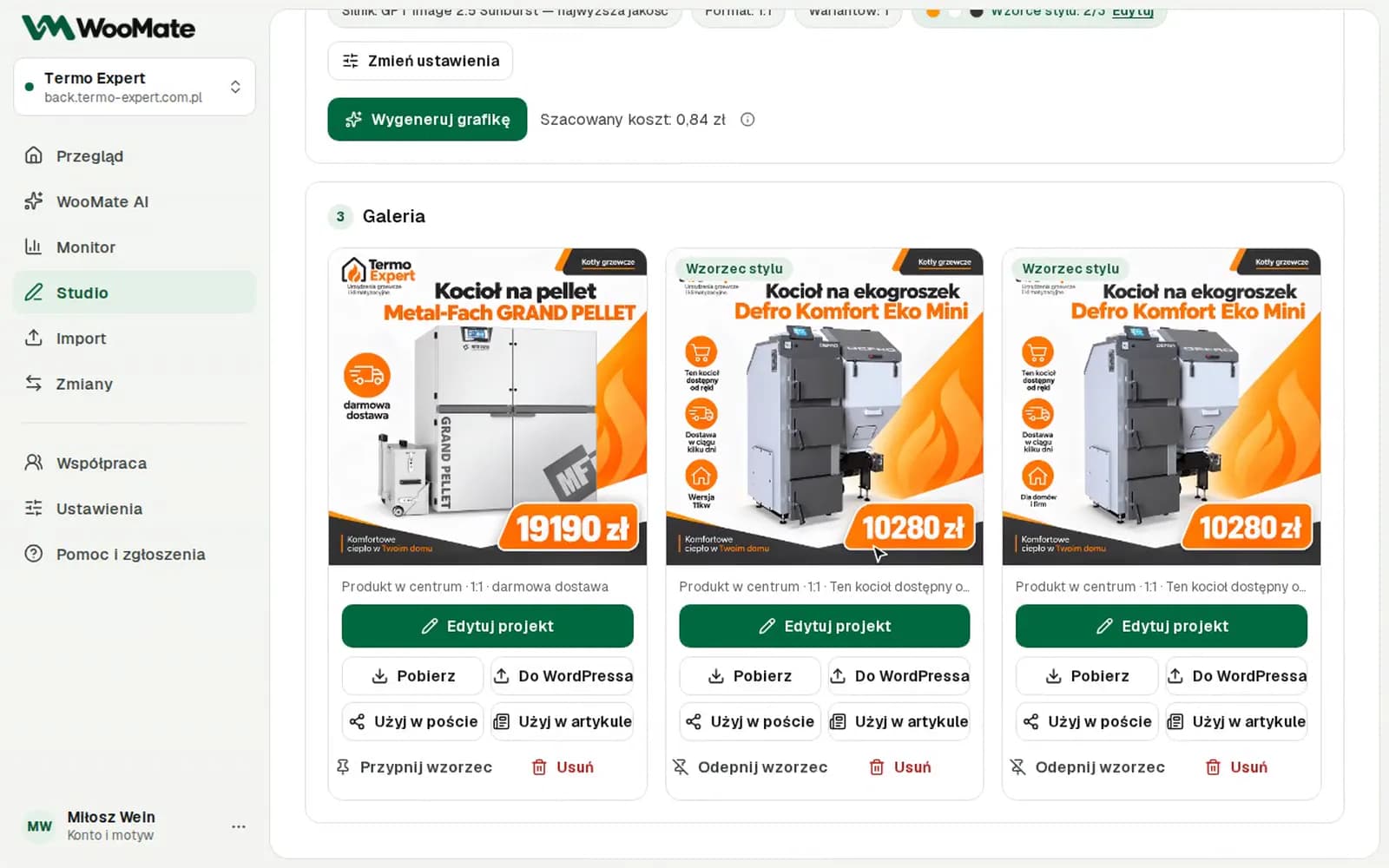
- Click Generate image.
It usually takes 20–40 seconds.
Edit a graphic
Click Edit design. The editor has:
- Quick fixes, such as Brighter background, Bigger product and No text.
- Texts on the image: headline, extra text, price and button.
- Format and Create all 4 formats: 1:1, 4:5, 9:16 and 16:9.
- Custom instruction.
- Design versions.
In new designs, the text, price and formats are layers. Changing them doesn't use AI and keeps the original product photo.
Use a graphic
- Download.
- To WordPress: sends the graphic to the media library.
- Use in a post or Use in an article.
- Add to a store product: As main photo or To gallery.
- Pin as reference: new graphics will look like the pinned ones.
To WordPress and Add to a store product take effect right away, without an approval card.
Graphics stay in the store's gallery until you delete them.
Limits
- Style references: up to 3. When you pin a fourth, the oldest one is unpinned.
- Free trial: 10 graphics.
- The estimated cost of one graphic ranges from $0.04 (Gemini 3.1 Flash Image) to $0.21 (GPT Image 2.5 Sunburst). You pay the provider with your own key.
- Deleting a graphic from the gallery doesn't delete copies sent to WordPress.
- In older designs, the text is part of the image.
- Check the text and how the product looks in the graphic. AI can distort them.
Common problems
- Missing key. Add a key or switch the engine.
- The graphic shows only the logo symbol, or no logo at all. See Graphics without a logo and other graphics errors.
Related articles
Can't find the answer? Write to hello@getwoomate.com or request free onboarding help.