
Posts
How to prepare Facebook and Instagram post variants with a tagged link.
This tool writes post variants with a UTM link and an optional image. You publish them yourself, because WooMate doesn't post to Facebook or Instagram.
What you need first
An AI key. An image needs a Gemini or OpenAI key and a connected store.
Steps
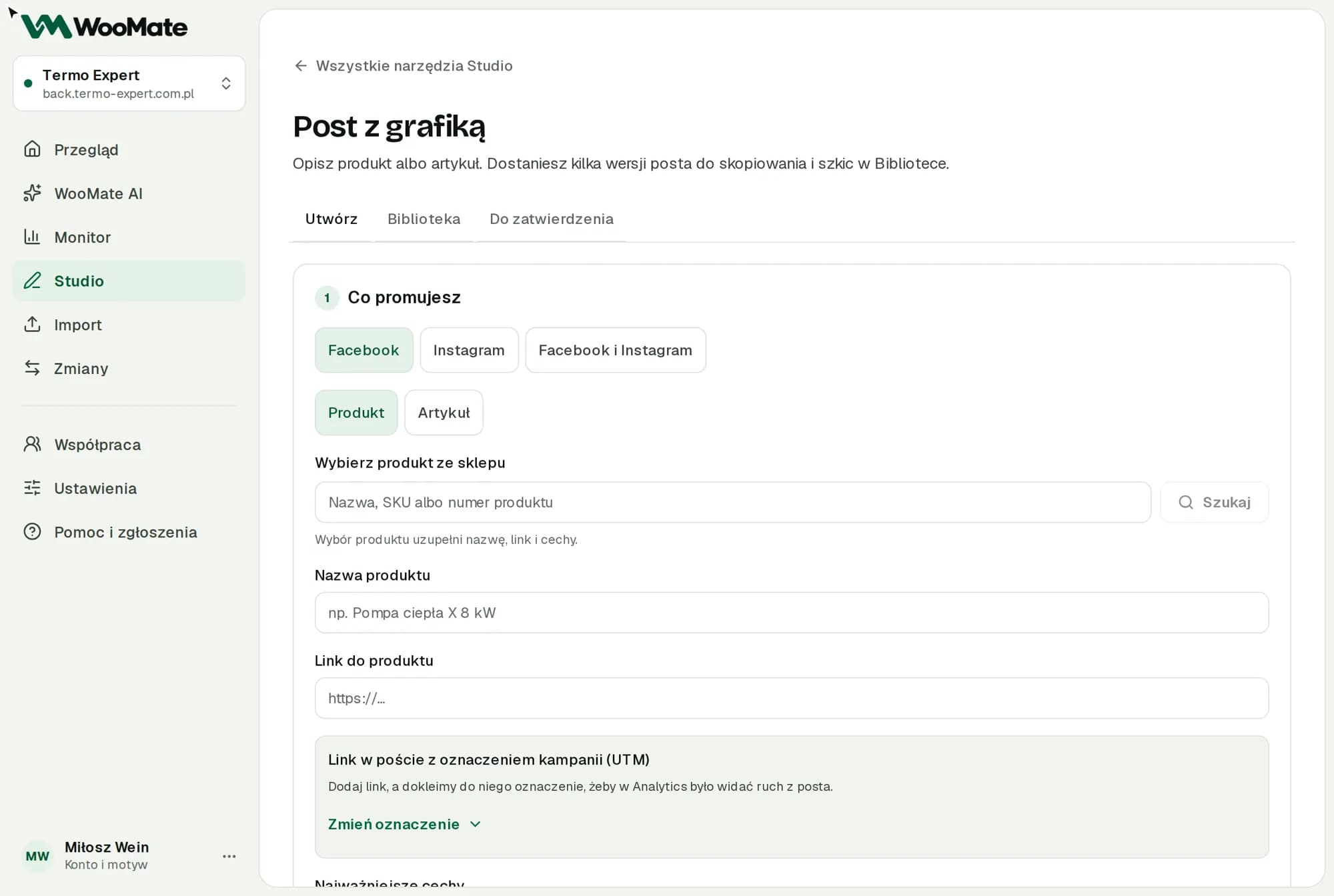
- Under Where you'll publish, choose a platform or Facebook and Instagram.
- Under What you promote, choose Product or Article.
- Fill in the name or title, the link and the key points.
- Check the Post link with campaign tags (UTM).
- Set Tone, Number of variants (1–3) and Use emoji.
- Click Prepare post variants.
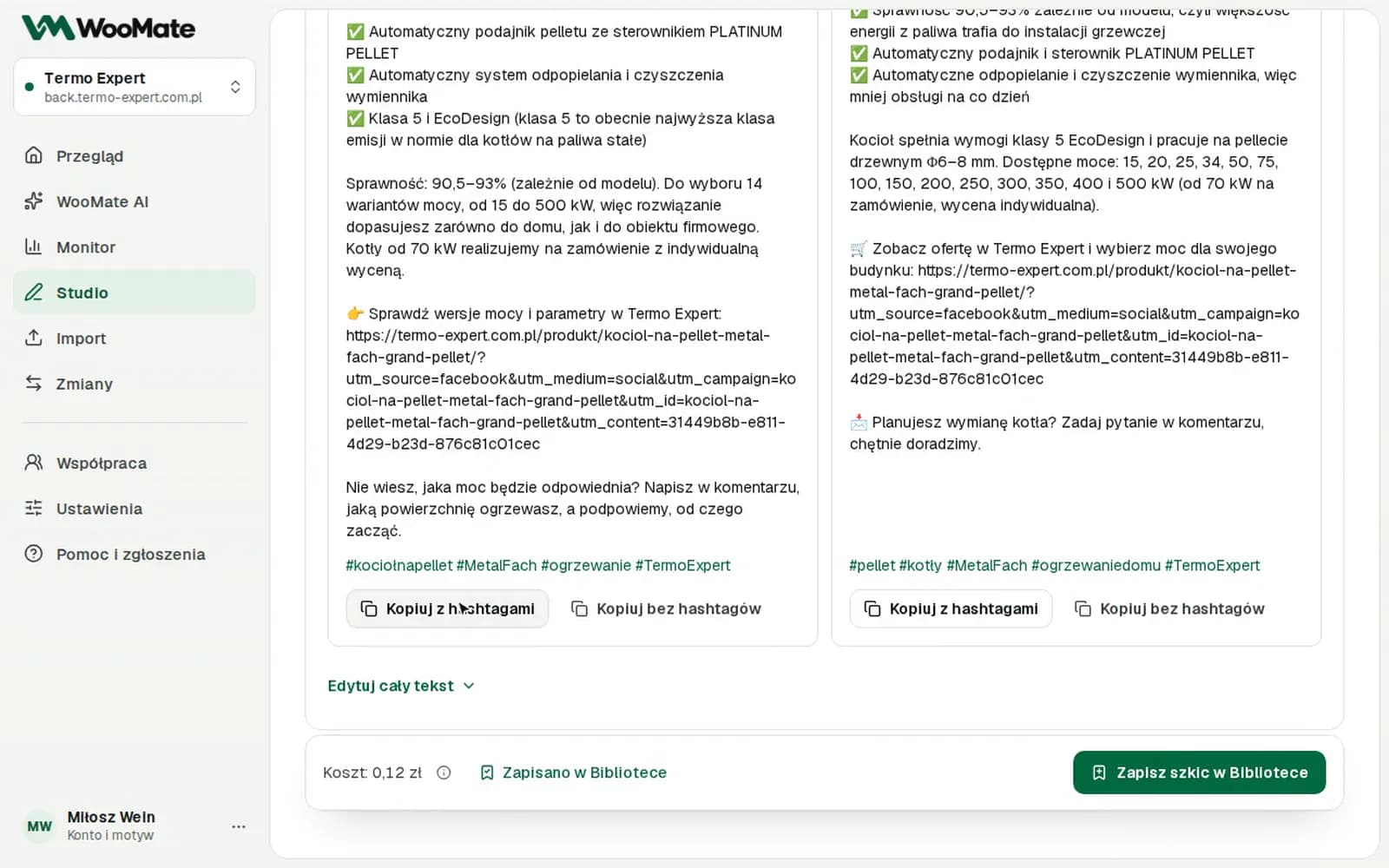
- Choose Copy with hashtags or Copy without hashtags.
- Click Save draft in the Library if you want to keep it.
Limits
- Without a connected store, you can't save the draft in the Library.
- WooMate doesn't schedule posts.
Common problems
Enter a full address starting with https://. Fix the link.
Related articles
Can't find the answer? Write to hello@getwoomate.com or request free onboarding help.