
Invitations and roles
How to invite someone to a store and what each role can do.
Collaboration lets an agency and a client work on the same store. Access applies only to the selected store. Billing and integration keys stay private.
What you need first
The store owner's Agency plan. Invited people use the owner's plan and don't need their own.
Roles
| Role | What they can do |
|---|---|
| Owner | Invites people, revokes access, proposes changes and prepares publication |
| Editor | Proposes product changes |
| Client approver | Approves or rejects proposals |
| Viewer | Sees proposals, changes nothing |
Inviting someone
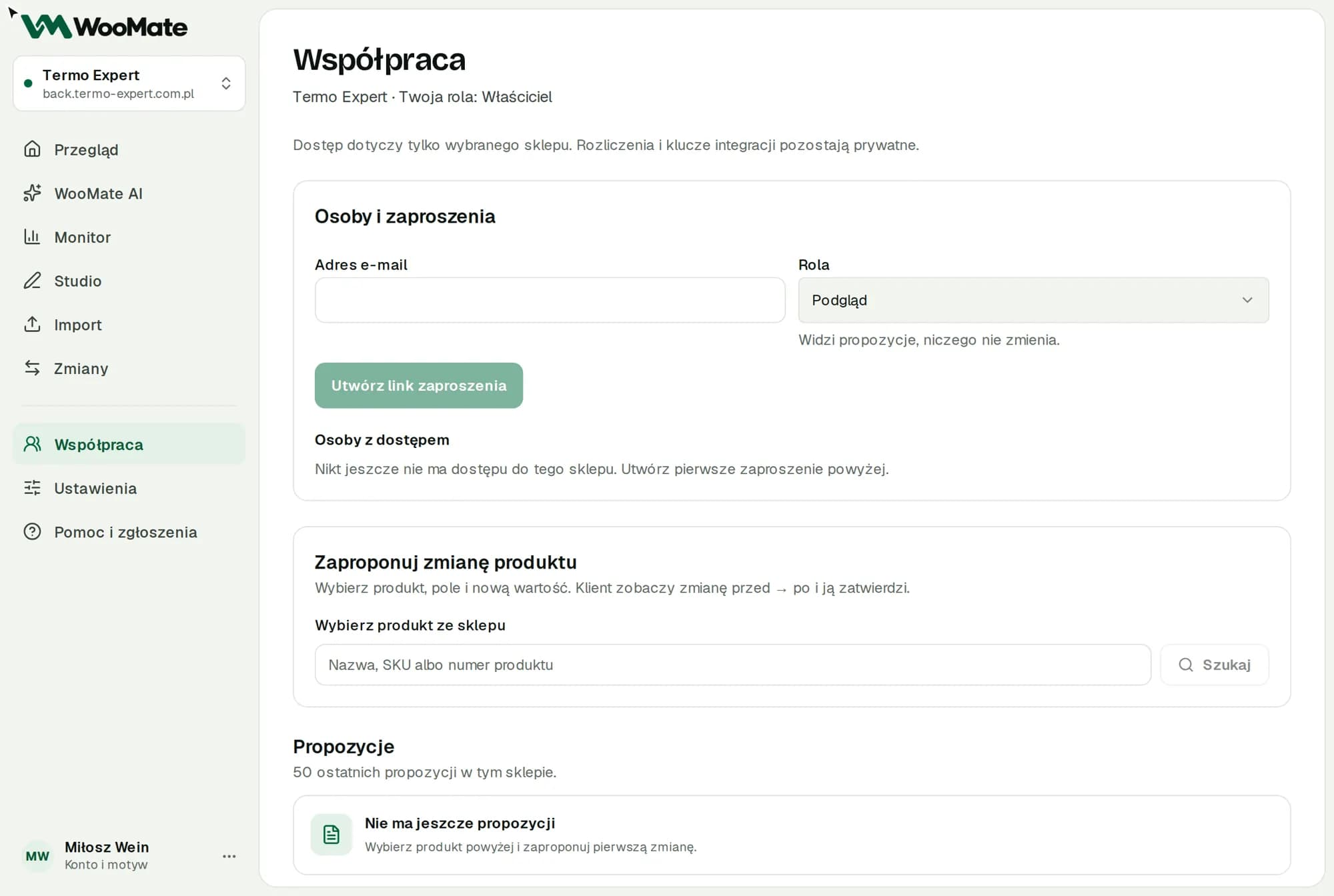
- Go to Collaboration and choose a store.
- Under People and invitations, enter the Email address and Role.
- Click Create invitation link.
- Copy the link and send it to that person.
WooMate shows you the link, and you send it yourself. The link works for 7 days. A new invitation to the same address replaces the previous one.
Accepting an invitation
- Open the link and sign in with the account whose email address received the invitation.
- Click Accept invitation.
The store appears on your list.
Revoking access
Revoke access removes the person from People with access. Cancel invitation deletes an unused link. You can invite that person again.
Common problems
"The invitation expired, was already used or is for a different email address": check which account you're signed in with and ask for a new link. You'll see the same message when the owner doesn't have an active Agency plan.
Related articles
Can't find the answer? Write to hello@getwoomate.com or request free onboarding help.